A room can have an excellent desk and still fail a practical work test. The available socket may be behind fixed furniture. Wi-Fi may need a browser login that your work device cannot complete. A business lounge may close before your overseas meeting. The useful approach is to follow the dependencies of your own equipment and schedule, rather than count advertised amenities.
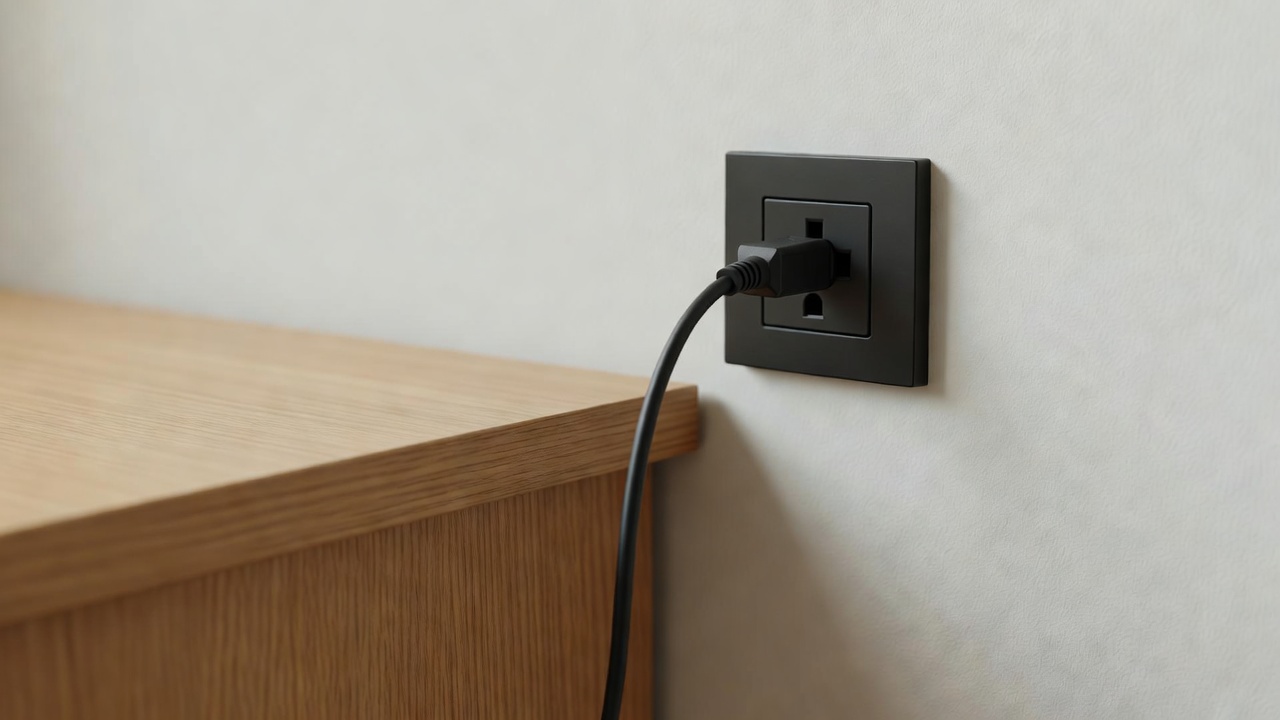
Trace power from the wall to the device
Ask where usable sockets are in relation to the desk and whether they are occupied by fixed room equipment. A socket count for the whole room is less helpful than a current desk-area photograph. Consider the physical size of your charger: a bulky plug may not fit beside another adapter or inside a recessed panel.
A travel adapter changes the connection shape; it does not necessarily convert voltage or frequency. Read the input rating on your equipment and check destination requirements. IEC World Plugs is a useful starting point for country-level plug information, while the manufacturer’s instructions remain important for each device. Do not use damaged outlets, improvise connections or daisy-chain adapters.
Built-in USB ports also need qualification. Connector shape does not establish charging power or support for a particular charging protocol. USB-IF information helps explain why a USB-C socket is not, by itself, a promise of laptop charging. Carry a compatible charger if your work depends on it, and use your organisation’s guidance for connecting equipment.
Ask how network access works
“Free Wi-Fi” describes a price or inclusion, not a complete service. Ask whether access is available in the actual room category, whether logins expire, and whether there are device limits or paid tiers. A captive portal can be inconvenient for devices without a normal browser. Confirm whether an Ethernet socket is active before packing around it.
If you use an employer-managed VPN, remote desktop or specialist application, ask your IT team about known requirements before travel. A hotel may be unable to guarantee compatibility. Never disable required security controls simply to connect. A public network should be treated according to your organisation’s policies, not assumed safe because the password comes from reception.
| Advertised feature | What it does not establish | Better question |
|---|---|---|
| Complimentary Wi-Fi | Stable performance in your room | Are there access limits or known coverage gaps? |
| USB charging | Enough power for your laptop | What port and output are provided? |
| Business centre | Privacy or access at your working hours | What facilities, hours and charges apply? |
Test the work, not just the headline speed
After connecting, try the applications you will actually use. Open a work resource, establish the approved VPN and make a short test call if appropriate. A speed test is a snapshot of one route at one time. It does not guarantee low delay, consistent upload performance or stability during the evening peak.
If you note a result, include the time, room position, connection method and test service. Cloudflare Speed Test, for example, distinguishes several network characteristics rather than reducing every experience to download speed. We do not publish property connection results here, and no illustrative image should be read as evidence that a network has been tested.
Build a fallback you can actually use
Mobile tethering can be a useful alternative, but indoor coverage, roaming allowances, data limits and employer rules still apply. Test it from the working position rather than assuming that a coverage map predicts the room. Keep sufficient battery capacity and avoid relying on a backup that shares the same weak link as the main connection.
Ask about an alternative workspace before you need one. A lobby may be open but unsuitable for confidential calls. A meeting room may offer privacy but require advance booking and an additional charge. Clarify opening hours, access arrangements and whether leaving the room during housekeeping will interrupt your schedule.
Copy-ready enquiry: working essentials
“Could you confirm reachable sockets at the desk, the Wi-Fi login process and any device or time limits? If in-room access fails, is there a bookable workspace with power and suitable call privacy, and what hours and charges apply?”
Leave an honest uncertainty list
Separate confirmed facilities from things you can only check on arrival. This makes a backup plan proportionate rather than pessimistic. The aim is not to prove that every hotel room can function as an office; it is to know which conditions your working day depends on and where the evidence ends.