Hotel interiors are photographed to look welcoming. Exposure adjustments can brighten a dark corner, and a glowing lamp can appear more useful than it is. You cannot establish working illuminance, glare or colour quality from a published image. You can, however, use that image to map the desk, windows, lamps and switches, then ask focused questions about their relationship.
Distinguish the three jobs of light
Ambient light lets you move around the room. Task light helps you read, write or use equipment at the desk. Light on your face affects how you appear on video calls. One ceiling fitting rarely does all three jobs well. A room can be pleasant for resting while leaving handwritten notes difficult to read.
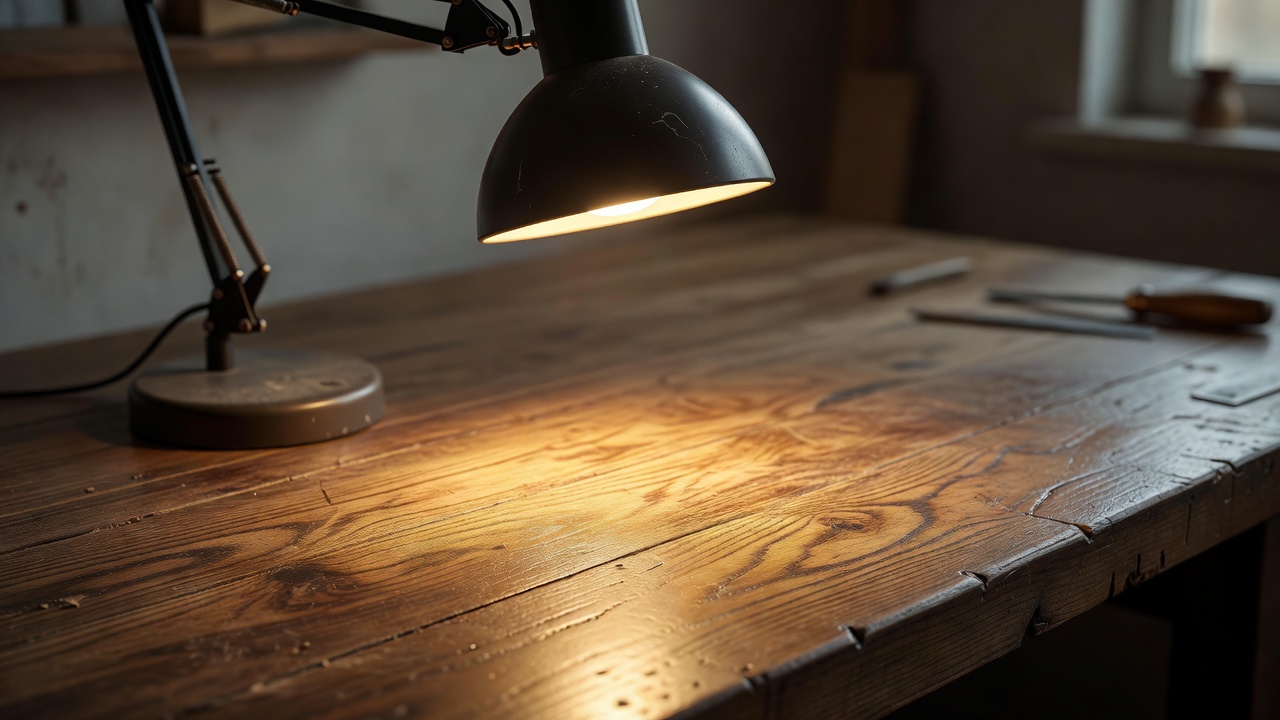
Look for a lamp aimed at the actual working surface, not just a decorative fitting nearby. Ask whether its position or angle is adjustable and whether it has an independent switch. A bedside lamp is not a desk lamp if it is fixed in place or its cable cannot reach safely. Avoid moving furniture or stretching cables across a route to solve the problem.
Map the window against the screen
A window behind your screen can create a strong brightness difference in your field of view. A window behind you can appear as a reflection on the display. A side-on arrangement is often easier to manage, but orientation, weather, glazing and time of day all affect the result. No single photograph captures the full working day.
Check whether curtains or blinds cover the relevant window and whether you can adjust them without darkening the entire room. Sheer curtains and opaque curtains do different jobs. “Blackout” describes a claimed light-control feature; it does not establish that curtains meet neatly, cover every edge or can be positioned around a desk.
| Visible clue | What to ask | What to test in person |
|---|---|---|
| Lamp on the desk | Is it independently switched and adjustable? | Does it illuminate the work without shining in your eyes? |
| Large window | What coverings are provided? | Reflections at your working hours |
| Ceiling downlights | Can groups be controlled separately? | Hotspots and shadows at the desk |
Check the task, not a camera impression
On arrival, open a document with both light and dark areas and sit in your normal working position. Look for reflected fittings and bright patches that make you lean or tilt the display repeatedly. Try reading a paper note at the same time. If the screen looks comfortable only when the room is too dark for everything else, the setup needs adjustment.
Use your video-call preview to examine your face and background without joining a meeting. A bright window behind you may leave your face poorly exposed. A small change in orientation can help, but only if it preserves desk fit and does not expose private room details. Check again when daylight changes rather than treating the first test as permanent.
Use lighting standards as context
EN 12464-1 concerns lighting of indoor workplaces and considers more than a single brightness figure. The CIE, the International Commission on Illumination, publishes terminology and technical guidance that helps distinguish illumination, glare and related concepts. These are relevant reference points, not a basis for announcing that a hotel room passes a standard after looking at a photograph.
Phone light-meter applications may give a rough comparative reading, but results depend on the device, sensor, application and placement. Do not present an uncalibrated reading as a professional assessment. If your work requires controlled colour or precisely specified light levels, ask for a suitable specialist environment rather than relying on an ordinary guest room.
Copy-ready enquiry: light control
“Does the desk in this room category have an independently switched task lamp? Can the window beside or opposite the desk be shaded during the day? A photo taken from the seated working position would help.”
Make a workable adjustment, not a risky one
Use existing controls first. Reposition a portable lamp only with permission where needed, keep fabrics away from hot fittings and avoid covering lights. If you cannot balance screen visibility, paper reading and safe room lighting, ask about an alternative desk location. A manageable lighting arrangement should not require dismantling the room.